The All-New Mr. Cook App 🎉
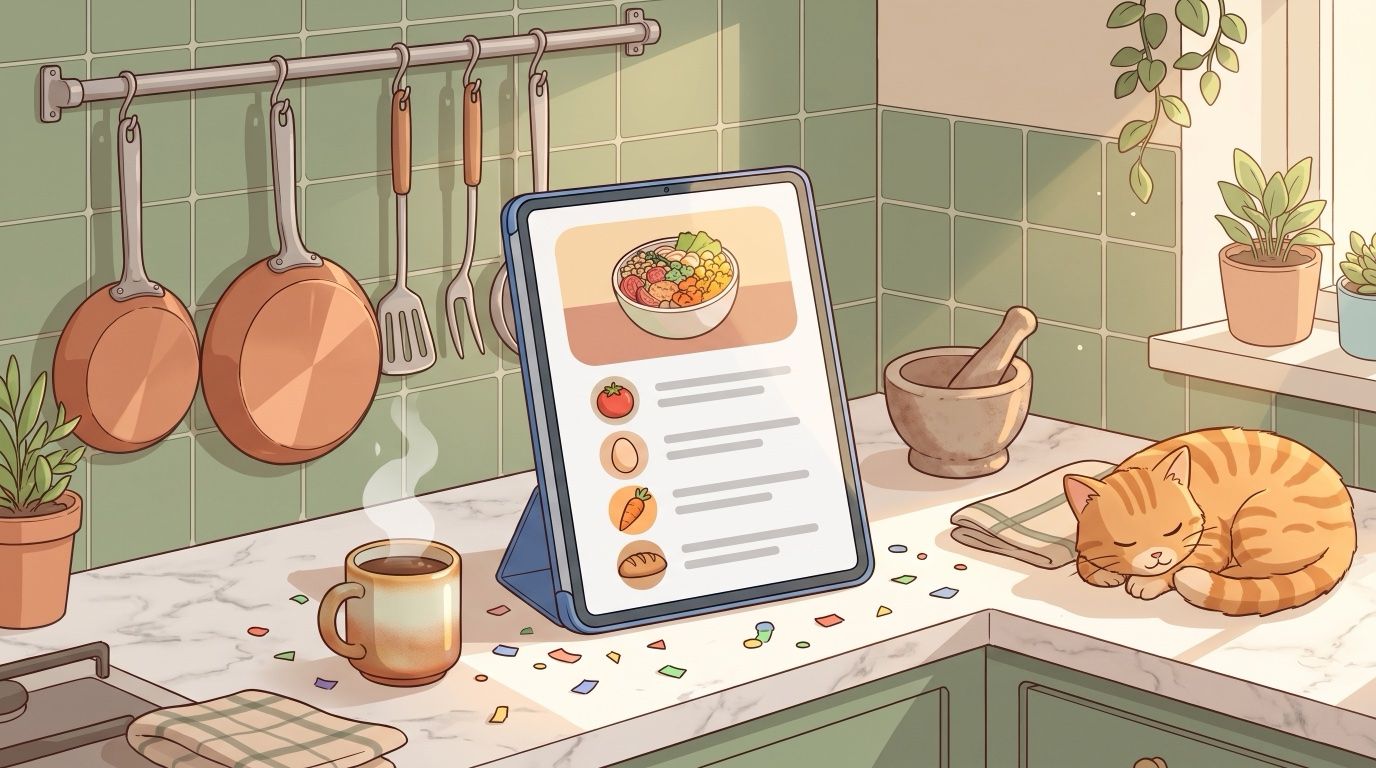
Two months since my last post, and here's why: I rebuilt the iOS and Android apps from scratch. Version 3 is out, so I can finally tell you about it.
📱 A Completely New App
It has a new design, it's much faster and everything feels a lot smoother. Each recipe page now takes its colors from the recipe's photo, so every recipe looks a little different. iPad and Android tablets got their own layouts too.
Your recipes, cookbooks and lists are all still there. Just update the app.
📶 It Works Offline
Offline mode has been one of the most requested things on the board for a long time. The app now opens without internet and your shopping list keeps working, then syncs once you're back online.
Recipes you've opened and everything planned for this week stay readable, photos included. Editing recipes still needs a connection.
🛒 A Better Shopping List
I rebuilt this one as well. All of this works on the web too:
Every item has its own little product icon, so the list is much easier to scan.
Drag the categories into the order of your store. Everyone on the list sees the same order.
Your own categories stay around now. Move an item to another category and the list remembers it for next time.
One tap puts a recently bought item back on the list.
In the apps you can also print the list or share it as text, one item per line.
🗓️ Meal Planning in the Apps
The AI meal plan is now a few short questions: which meals and days, how many people, your diet, how much time you have. You can plan this week or next week, and you check the result before accepting it.
Out of ideas for one day? The Idea button suggests one of your own recipes. Don't like it, tap Another.
On iPhone there's a new widget for the Home Screen and Lock Screen, with today's meal and the next few days.
🍳 Cooking Mode
Steps now scroll from top to bottom in the apps. The current step and your next timer stay on the Lock Screen and in the Dynamic Island on iPhone, and in a notification on Android. You can jump to the next step right from there.
📖 Recipes
Ingredients have product icons on the recipe page now, on the web too. Two more things work everywhere:
A new setting hides calories and nutrients in recipes, the meal plan and printouts.
You can hide a cookbook from My Recipes. Its recipes then only show up in that cookbook and in search.
And in the apps:
Recipe PDFs are A4 and include the photo
Recipe in another language? The menu offers to translate it
Import from Paprika or Recipe Keeper, and export all your recipes as JSON, CSV or PDF
✨ Imports & AI
I moved recipe scans, nutrient estimates and AI images to better models. Ingredient lines like "1 Msp. Zimt" or "250 gr Mehl" now get recognized properly, across all 12 languages.
The apps also have short guides, with videos, for saving recipes from Instagram, TikTok and other apps through the share sheet.
🤝 Invites & Help
If you invite someone to a list or cookbook, they now get a welcome screen in the app showing who invited them, then go straight in after signing in.
There's also a chat in the Help section of the app. It goes straight to me.
🛠️ Smaller Fixes
Saving a cookbook or adding a recipe to one no longer looks frozen
You can create tags right in the recipe form in the apps
Safari no longer blocks the checkout and billing tabs
"Manage subscription" works on Android
Irish and Jewish cuisines added, and a few misspelled cuisine names fixed
💚 Thank You
Thanks to everyone who tested the betas and sent me bug reports. Many of the fixes in this release started with one of your messages.
💬 Feedback
It's a new app, so there are bugs I haven't found yet. If something's broken or you miss something from the old app, tell me.
- Jan