Changelog

Follow new updates and improvements to Mr. Cook.

The All-New Mr. Cook App πŸŽ‰

Two months since my last post, and here's why: I rebuilt the iOS and Android apps from scratch. Version 3 is out, so I can finally tell you about it.

πŸ“± A Completely New App

It has a new design, it's much faster and everything feels a lot smoother. Each recipe page now takes its colors from the recipe's photo, so every recipe looks a little different. iPad and Android tablets got their own layouts too.

Your recipes, cookbooks and lists are all still there. Just update the app.

πŸ“Ά It Works Offline

Offline mode has been one of the most requested things on the board for a long time. The app now opens without internet and your shopping list keeps working, then syncs once you're back online.

Recipes you've opened and everything planned for this week stay readable, photos included. Editing recipes still needs a connection.

πŸ›’ A Better Shopping List

I rebuilt this one as well. All of this works on the web too:

  • Every item has its own little product icon, so the list is much easier to scan.

  • Drag the categories into the order of your store. Everyone on the list sees the same order.

  • Your own categories stay around now. Move an item to another category and the list remembers it for next time.

  • One tap puts a recently bought item back on the list.

In the apps you can also print the list or share it as text, one item per line.

πŸ—“οΈ Meal Planning in the Apps

The AI meal plan is now a few short questions: which meals and days, how many people, your diet, how much time you have. You can plan this week or next week, and you check the result before accepting it.

Out of ideas for one day? The Idea button suggests one of your own recipes. Don't like it, tap Another.

On iPhone there's a new widget for the Home Screen and Lock Screen, with today's meal and the next few days.

🍳 Cooking Mode

Steps now scroll from top to bottom in the apps. The current step and your next timer stay on the Lock Screen and in the Dynamic Island on iPhone, and in a notification on Android. You can jump to the next step right from there.

πŸ“– Recipes

Ingredients have product icons on the recipe page now, on the web too. Two more things work everywhere:

And in the apps:

  • Crop your recipe photos

  • Recipe PDFs are A4 and include the photo

  • Recipe in another language? The menu offers to translate it

  • Import from Paprika or Recipe Keeper, and export all your recipes as JSON, CSV or PDF

✨ Imports & AI

I moved recipe scans, nutrient estimates and AI images to better models. Ingredient lines like "1 Msp. Zimt" or "250 gr Mehl" now get recognized properly, across all 12 languages.

The apps also have short guides, with videos, for saving recipes from Instagram, TikTok and other apps through the share sheet.

🀝 Invites & Help

If you invite someone to a list or cookbook, they now get a welcome screen in the app showing who invited them, then go straight in after signing in.

There's also a chat in the Help section of the app. It goes straight to me.

πŸ› οΈ Smaller Fixes

  • Saving a cookbook or adding a recipe to one no longer looks frozen

  • You can create tags right in the recipe form in the apps

  • Safari no longer blocks the checkout and billing tabs

  • "Manage subscription" works on Android

  • Irish and Jewish cuisines added, and a few misspelled cuisine names fixed

πŸ’š Thank You

Thanks to everyone who tested the betas and sent me bug reports. Many of the fixes in this release started with one of your messages.

πŸ’¬ Feedback

It's a new app, so there are bugs I haven't found yet. If something's broken or you miss something from the old app, tell me.

- Jan
New

Cooking Timers & a Summer Full of Updates ⏲️

It's been almost two months since my last update β€” I've been heads-down building. Here's everything worth knowing from June and July.

⏲️ Cooking Mode Timers

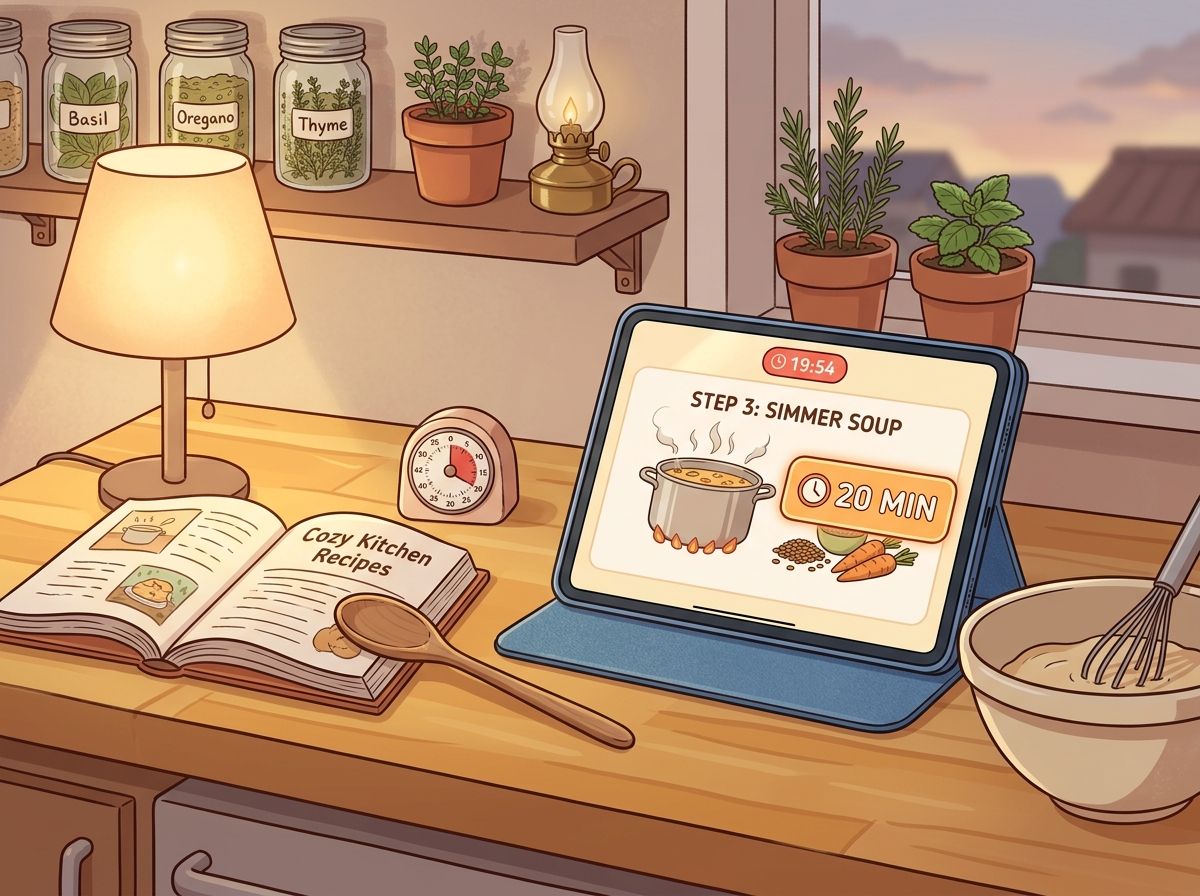
The big one. Cooking Mode now detects time mentions in your recipe steps β€” "simmer for 20 minutes", "bake 45–50 min", and so on β€” and lets you tap to start a timer right from the step.

Timers show up in a bar at the top while you cook. On iOS and Android they run as native background timers, so you can switch apps and still get notified when time's up. You can run multiple timers at once and pause or stop them individually.

πŸ₯„ Ingredient Amounts in Steps

While you're in Cooking Mode, ingredient mentions in each step now show the quantity inline β€” so when a step says "add the olive oil", you'll see exactly how much without scrolling back to the ingredient list. There's a toggle in Preferences if you'd rather keep steps clean.

πŸ“₯ Smarter Social Media Imports

I've spent a lot of time making recipe imports from videos more reliable:

  • YouTube captions β€” recipes can now be extracted from closed captions, not just audio transcription

  • Longer videos β€” transcription works for videos up to 10 minutes

  • Smart link detection β€” if a TikTok or Instagram caption contains a link to the actual recipe, I'll follow it automatically

  • Clearer errors β€” when an import fails, you'll get a specific reason instead of a generic error message

Ingredient parsing also got a major upgrade for all 12 supported languages β€” amounts and units should read much more naturally now, no matter what language your recipe is in.

πŸ”— Sharing & Invites

  • Every recipe is shareable β€” you no longer need to make a recipe public first. Just share the link.

  • New invite pages β€” when someone shares a cookbook or shopping list with you, they get a proper landing page with a preview, QR code, and one-tap join. Much nicer than the old bare-bones flow.

  • Private profiles β€” you can now hide your profile from search and other users. Your recipes stay as they are.

🎨 Recipe Page Redesign

I reorganized the recipe page to make the important stuff easier to find β€” actions, info, and content have a clearer hierarchy. The macro/nutrient cards got a visual refresh too, with cleaner bars and a more compact layout.

🍰 Recipe Organization

A few things you've been asking for:

  • Linked recipes β€” connect related recipes to each other (think: "serve with my garlic bread")

  • Tag management β€” rename, merge, and delete tags in a dialog instead of a separate page

  • New filters β€” filter by favorites, or find recipes that have no tags at all

  • Baking time β€” recipes now have a separate baking time field, distinct from prep and cook time

🍽️ Servings & Planning

You can now set servings below 1 (hello, half-recipes). Servings can also be adjusted directly when adding a recipe to your meal plan β€” no need to go back to the recipe page first.

✨ AI Improvements

  • Redesigned AI recipe suggestion cards β€” clearer layout, better descriptions

  • Better AI-generated recipe images

  • Updated to newer AI models across generation, scanning, and nutrient analysis

🏠 Better First Impressions

New users get a redesigned empty state on the recipes page β€” clearer paths to import, scan, or generate their first recipe. Less dialog-hopping, more inline actions.

🌍 More Cuisines & Languages

Added new cuisine options (Caribbean, Colombian, Fusion, Hawaiian, Palestinian, and more) and three new recipe languages: Lithuanian, Hungarian, and Bulgarian.

πŸ› οΈ Quality of Life

Smaller wins bundled together:

  • New import animations β€” orbiting icons while your recipe loads

  • Better dropdown menus throughout the app

  • Inline dialog errors β€” validation errors show right in the dialog, not as toasts

  • Discover filter for favorite recipes

  • Scanner resilience β€” better retry logic when a scan fails

  • AI image badge β€” AI-generated recipe images are now labeled as such

πŸ’š Thank You

Two months of work, one person. Every subscription and kind review keeps this going β€” thank you.

πŸ’¬ Feedback

Got ideas or spotted something off? I'm always reading your feedback.

- Jan

New

The Big Spring Update πŸš€

It's been a while since my last update - almost 4 months! I've been busy building, fixing, and polishing Mr. Cook pretty much every day. Instead of writing about it, I just kept going. So here's everything that happened since January.

🍳 Cooking Mode

This one's been requested a lot. You can now enter a dedicated cooking mode for any recipe. It keeps your screen on, walks you through each step, and makes it easy to check off ingredients as you go. I also redesigned the servings slider - adjusting how many people you're cooking for is now way more intuitive.

πŸ’³ One Simple Plan

I merged the old Plus and Pro plans into a single Pro plan. Less confusing, more value. If you were on Plus before, you've been automatically upgraded - no action needed.

I also decided to remove the lifetime plan. It was a great deal for early supporters (and if you have one, it's yours forever!), but it wasn't sustainable long-term for a solo project like Mr. Cook. Going forward, monthly and annual plans keep things fair for everyone and help me keep building.

πŸ” Discover Page Redesign

The Discover page got a major overhaul. Recipes are now sorted by rating, see how many comments a recipe has, and browse other users' profiles and public cookbooks. Better recipes now show up first, so it's easier to find something great to cook.

πŸ“₯ Smarter Recipe Imports

Importing recipes keeps getting better:

  • YouTube: Just paste a YouTube link and the recipe gets extracted from the video

  • X (Twitter): You can now import recipes shared on X

  • Pinterest: Paste a Pinterest link and it automatically follows it to the original recipe

  • Multiple photos: Select multiple photos at once when scanning recipes

  • Hard-to-reach websites: Even websites that are difficult to import from now work much more reliably

  • Incomplete recipes: If an import comes back with missing info, the AI now tries to fill in the gaps automatically

πŸ›’ Shopping List Upgrades

You can now edit shopping list entries directly - no more deleting and re-adding when you need to change something. There's also a copy button to quickly copy your entire list, and your changes are now saved even when you lose internet connection.

πŸ“€ Better Sharing

Sharing recipes has been completely reworked. You can now copy a recipe as plain text (great for messaging apps or as a social media description), create beautiful social media stickers of your recipes, and on iOS the native share menu now works properly.

⚑ Faster Everywhere

The app should feel noticeably snappier. I've optimized images, reduced loading times, and made a lot of behind-the-scenes improvements. Especially opening recipes and browsing your collection should be faster now.

πŸ€– Smarter AI

Recipe generation, scanning, and AI image creation have all been upgraded. Scanning is now more accurate, especially for handwritten or lower quality photos. There's also a new feature that automatically finds ingredients mentioned in your cooking steps and adds them to the ingredient list.

✨ Quality of Life

A bunch of smaller things that add up:

  • Haptic feedback on iOS when checking off ingredients or shopping list items

  • Login helper - your last used login method is now highlighted so you never have to guess

  • In-app help with articles for common questions

  • Better nutrients display with a cleaner layout

πŸ’š Thank You

These past 4 months have been some of the most productive since I started Mr. Cook. If you're a subscriber - thank you, you make all of this possible. If you're on the free plan - I hope you're enjoying it and considering an upgrade.

πŸ’¬ Feedback

Got ideas, found a bug, or just want to say hi? I'm always reading your feedback.

- Jan

New

Earlier updates